YouTube Channel Art - Custom Banner Images for YouTube
Professional channel banners sized for YouTube's 2560x1440 requirements

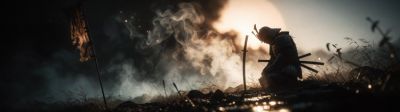


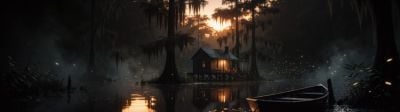



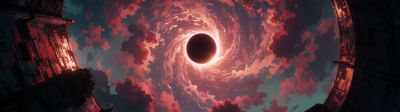
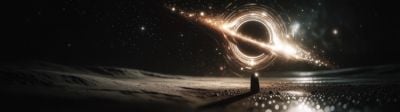












About these wallpapers
Create a professional YouTube channel with a stunning banner image. YouTube recommends 2560x1440 for channel art, with the safe area at 1546x423 (the portion visible on all devices). Our smart crop tool lets you download any image at exactly 2560x1440 for a perfect YouTube banner — no Photoshop needed.
- Smart crop to YouTube's recommended 2560x1440 banner size
- Panoramic images ideal for the wide YouTube banner format
- Professional quality for channel branding
- Thousands of styles — gaming, nature, tech, abstract, and more
Frequently asked questions
What size should YouTube channel art be?
YouTube recommends 2560x1440 pixels for channel art. The safe area (visible on all devices including mobile) is 1546x423 in the center. TV displays show the full 2560x1440. Use our smart crop tool to download at exactly 2560x1440 from any image.
How do I change my YouTube banner?
Go to your YouTube channel, click "Customize Channel", then click the banner area and select "Change". Upload your 2560x1440 image. YouTube will show you a preview of how it looks on desktop, mobile, and TV before you save.
Why does my YouTube banner look cropped on mobile?
YouTube crops the banner differently on each device. Mobile shows only the center 1546x423 area, tablets show more, and TVs show the full image. Keep important elements centered and use our crop tool to download at the full 2560x1440 to ensure good display everywhere.