Twitch Banners - Custom Profile Banners for Twitch Streamers
Professional stream branding with perfectly sized Twitch profile banners
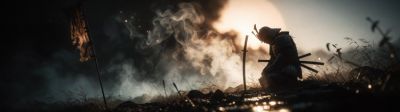



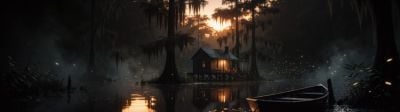




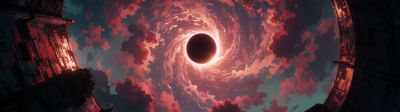






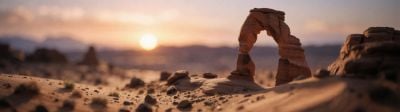







About these wallpapers
Level up your Twitch channel with a custom profile banner. Twitch profile banners display at 1200x480 (2.5:1 aspect ratio), and our smart crop tool makes it easy to resize any image to these exact dimensions. Browse thousands of gaming, nature, abstract, and artistic images to find the perfect banner that represents your stream brand.
- Smart crop to exact 1200x480 Twitch banner dimensions
- Gaming, sci-fi, nature, and abstract styles for any stream brand
- High quality source images for sharp display
- Works for profile banners and offline screen backgrounds
Frequently asked questions
What size should a Twitch profile banner be?
Twitch recommends 1200x480 pixels for profile banners (2.5:1 aspect ratio), with a maximum file size of 10MB. Use our smart crop tool to download any image at exactly 1200x480 for a perfectly fitted Twitch banner.
How do I change my Twitch banner?
Go to your Twitch Creator Dashboard, click Settings > Channel > Brand, and find the Profile Banner section. Click "Update" to upload your 1200x480 image. The banner appears at the top of your channel page when you're offline.
Can I use these for my Twitch offline screen?
Yes — our images work great as offline screen backgrounds. For offline screens, use our smart crop tool at 1920x1080 (the standard stream resolution). Pair it with your stream branding in OBS or Streamlabs for a polished offline display.