Steam Deck Wallpapers - Backgrounds & Boot Videos for Steam Deck
Custom wallpapers and animated boot videos made for Steam Deck's 1280x800 screen








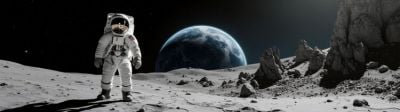



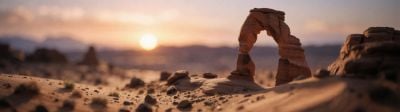


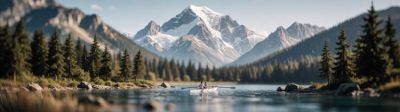
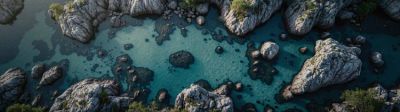
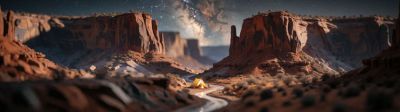


About these wallpapers
Personalize your Steam Deck with custom wallpapers and boot animations. We have a dedicated Steam Deck Boot Video & Wallpaper Creator tool — pick any image from our gallery and hit the "Steam Deck version" button to open it in our Steam Deck tool. Crop to the perfect 1280x800 resolution, add text overlays and transparent PNGs, and create animated boot videos with pan, zoom, and loop effects — all in your browser.
- Dedicated Steam Deck Boot Video & Wallpaper Creator tool
- One-click "Steam Deck version" button from any wallpaper in the gallery
- Create animated boot videos with pan, zoom, and loop effects
- Add text overlays and transparent PNG stickers to your wallpaper
Frequently asked questions
How do I make a Steam Deck wallpaper?
Browse our gallery and click any image to open it. In the lightbox, click the "Steam Deck version" button to open our dedicated Steam Deck tool. It automatically loads the image and lets you crop to 1280x800, add text and overlays, and even create animated boot videos — all in your browser.
Can I make Steam Deck boot videos here?
Yes! Our Steam Deck tool includes a full boot animation creator. Choose from pan, zoom, and loop movement effects, overlay text with custom fonts and colors, add transparent PNGs, and export as an MP4 video ready to use as your Steam Deck boot animation.
What resolution does the Steam Deck use?
The Steam Deck LCD uses a 1280x800 display (16:10 aspect ratio). The Steam Deck OLED uses the same 1280x800 resolution but with an HDR OLED panel. Our Steam Deck tool crops to exactly 1280x800 and exports at the perfect size.