Discord Banners - Custom Profile Banners for Discord
Eye-catching images cropped perfectly for Discord profile and server banners
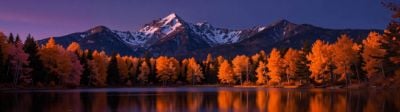
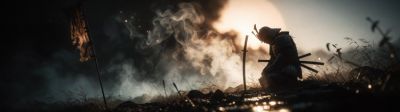


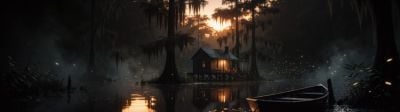



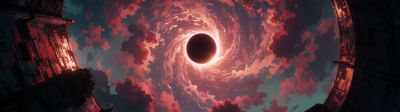
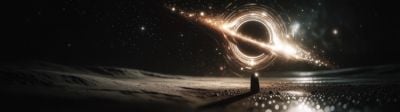
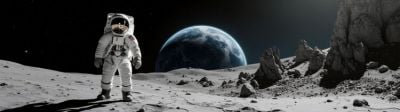
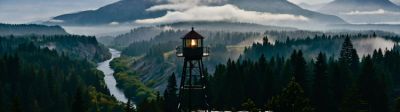
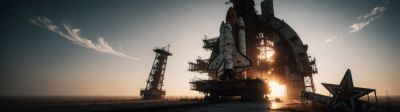




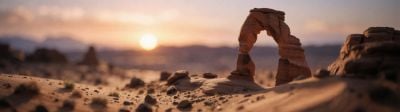
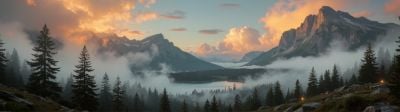
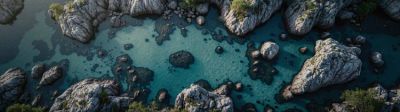
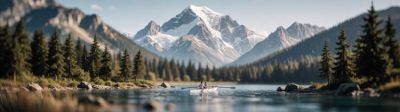
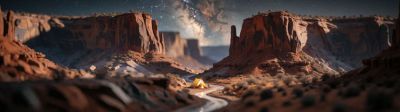


About these wallpapers
Stand out on Discord with a custom profile banner. Discord profile banners use a 600x240 (5:2) aspect ratio, and server banners use 960x540 (16:9). Our smart crop tool makes it easy to resize any image to these exact dimensions — just pick an image, set the resolution, and download your perfect Discord banner in seconds.
- Smart crop to exact Discord banner dimensions (600x240, 960x540)
- Thousands of images — gaming, anime, nature, abstract, and more
- Works for profile banners, server banners, and server invites
- High quality source images for sharp display on any screen
Frequently asked questions
What size should a Discord profile banner be?
Discord profile banners display at 600x240 pixels (5:2 aspect ratio). For best quality, upload at 600x240 or higher at the same ratio. Server banners use 960x540 (16:9). Use our smart crop tool to download at either size from any image.
Do I need Discord Nitro for a profile banner?
Yes — custom profile banners require Discord Nitro or Nitro Basic. Server banners are available to servers that have reached Boost Level 1. Once you have Nitro, go to User Settings > Profiles > Profile Banner to upload your custom image.
What kind of images work best for Discord banners?
Since Discord banners are very wide and short, images with horizontal compositions work best — landscapes, panoramic scenes, abstract gradients, and wide gaming scenes. Use our crop tool to select a thin horizontal strip from any image.