Video Backgrounds - Panning & Ken Burns Images for Video Production
Ultra-wide panoramic images perfect for slow pan and Ken Burns effects in video

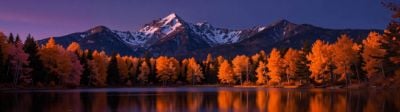


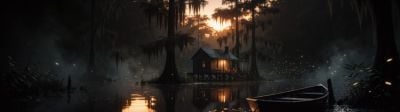
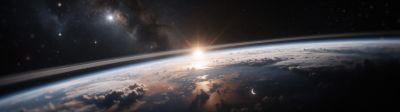



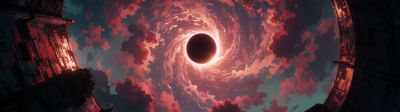
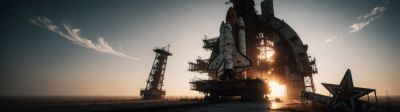
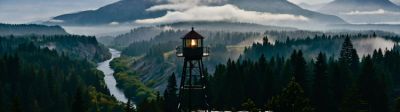
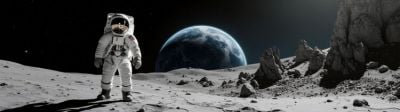





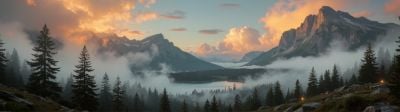
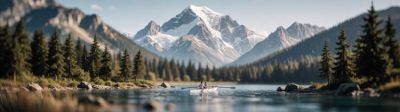

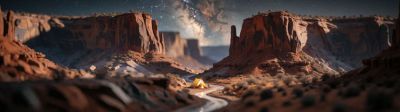


About these wallpapers
Create cinematic video sequences with our ultra-wide panoramic images. Our 5120x1440, 7680x2160, and 8K images provide massive horizontal range — perfect for slow panning shots, Ken Burns effects, and motion backgrounds in Premiere Pro, DaVinci Resolve, Final Cut Pro, and After Effects. Use our smart crop tool to download at any resolution your timeline requires.
- Ultra-wide images up to 7680x2160 for maximum pan range
- Perfect for Ken Burns slow pan and zoom effects in any video editor
- Smart crop tool to download at any timeline resolution
- Nature, urban, abstract, and cinematic compositions for video backdrops
Frequently asked questions
How do I use these for Ken Burns panning in video?
Import the image into your video editor (Premiere Pro, DaVinci Resolve, Final Cut Pro), add it to your timeline, then apply a pan or Ken Burns effect. Set keyframes to slowly move across the image. Our ultra-wide images (5120x1440, 7680x2160) give you massive horizontal range for smooth, extended pans without running out of image.
What resolution should I download for video use?
Download at the highest resolution available — our smart crop tool lets you download at the source resolution. For a 1080p timeline, a 5120x1440 image gives you nearly 3x the horizontal pan range. For 4K timelines, our 7680x2160 and 8K images provide the sharpest results with plenty of room to pan and zoom.
Can I use these in YouTube videos and documentaries?
Yes — our images work beautifully as B-roll substitutes, chapter title backgrounds, and panning establishing shots. The ultra-wide format is especially effective for documentary and essay-style videos where a slow pan across a landscape or cityscape adds production value.